Hexacoder Technologies

Energy and utilities

Energy digital twin development for power plants and utilities

Understand your energy infrastructure better with an interactive 3D view of facilities, equipment, and connected asset information. HexaCoder develops custom energy digital twin solutions that help your teams locate assets, review technical information, and plan work more effectively.

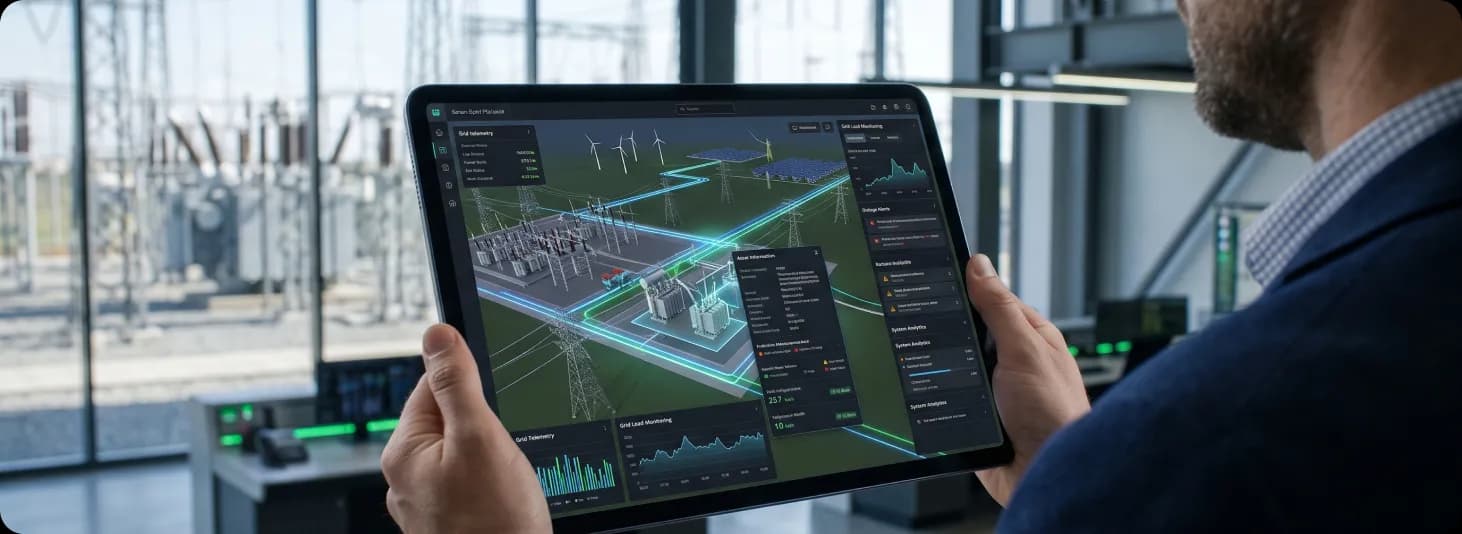
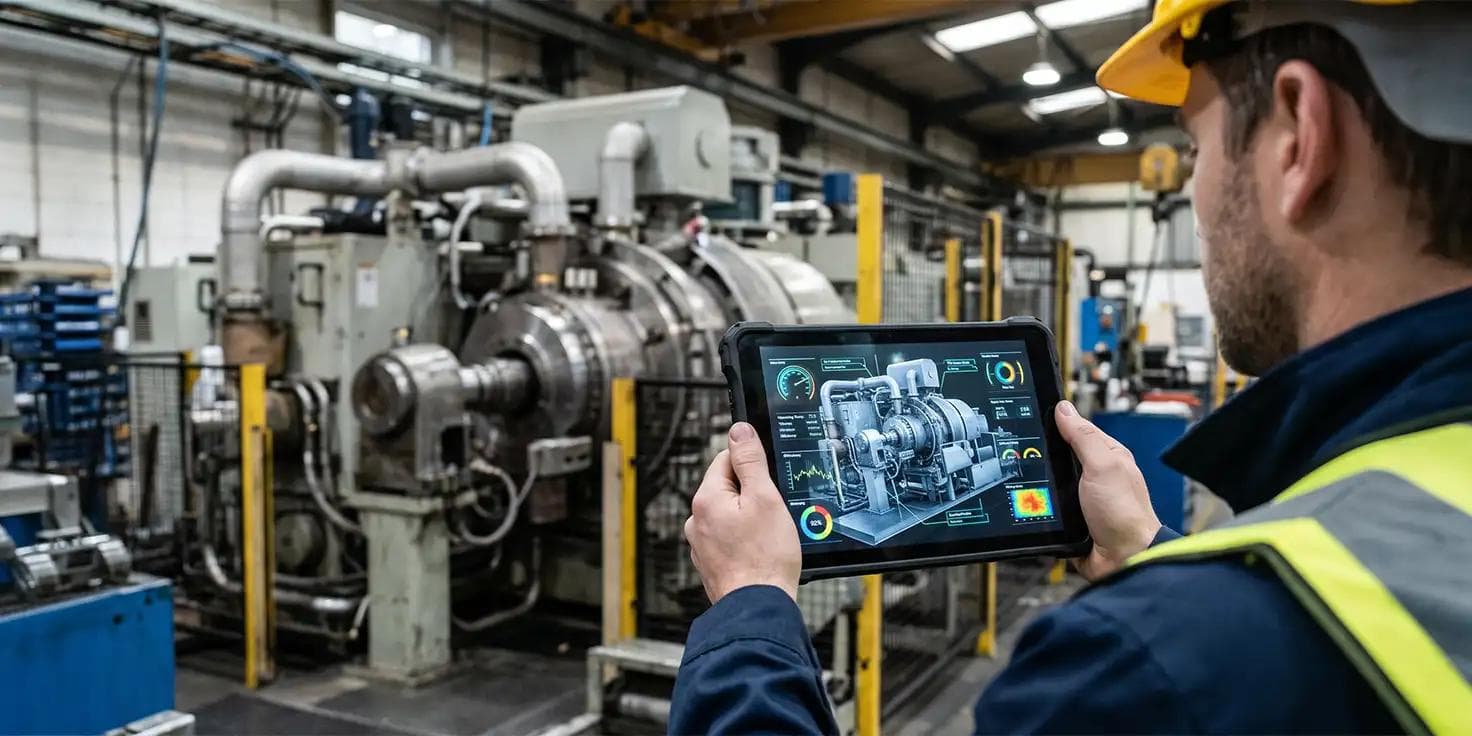
Engineer holding a tablet with a 3D digital twin of a substation, in a control room overlooking the substation

Facilities and assets

What energy facilities and equipment can you bring into a digital twin?

Every energy facility has different equipment, layouts, and operating requirements. We develop digital twin environments around your actual infrastructure, making it easier to understand where assets are located and how they connect.

  • Power generation plants

    Explore turbines, generators, boilers, piping, and supporting equipment within a connected 3D facility model.

  • Solar power plants

    View solar panel arrays, inverters, electrical equipment, access roads, and other infrastructure across your site.

  • Wind farms

    Explore wind turbine locations, supporting equipment, and surrounding site infrastructure in 3D.

  • Electrical substations

    Visualize transformers, switchgear, electrical structures, and equipment arrangements within the substation.

  • Power grid infrastructure

    Understand the locations of mapped transmission assets, distribution equipment, and supporting utility infrastructure.

The problem and solution

Finding equipment information shouldn't slow down maintenance planning

Imagine your maintenance team needs to review a transformer at a large power facility.The engineering drawing shows its technical details. Another system contains its maintenance history. Inspection reports are stored separately.Before planning the work, your team needs to find the right equipment and bring together the relevant information.An energy digital twin can connect equipment locations with available records through an interactive 3D environment.

The problem

When equipment information is disconnected

  • Teams search multiple systems for asset information.
  • Drawings don't always make equipment locations easy to understand.
  • Remote discussions require additional photographs and explanations.
  • Reviewing facility changes involves switching between documents.
The solution

When information is connected in 3D

  • Find represented equipment within the facility model.
  • Access available records from the relevant asset.
  • Understand equipment locations and surrounding structures.
  • Review documented changes using a shared visual environment.

How development works

How we build a digital twin around your existing energy assets

You don't need to start with a complete 3D model. We first understand your facility, assess available information, and define what the digital twin needs to accomplish.

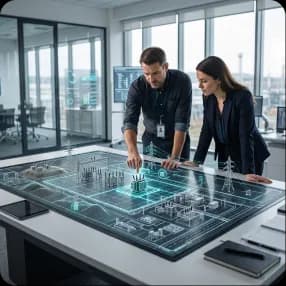
  1. Two engineers at a table-top holographic model of a substation

    Understand your infrastructure

    We identify the facilities, equipment, locations, and activities your digital twin should support.

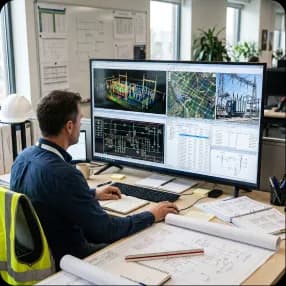
  2. Engineer in a hi-vis vest at a wide monitor reviewing CAD models, site maps and drawings

    Review your existing data

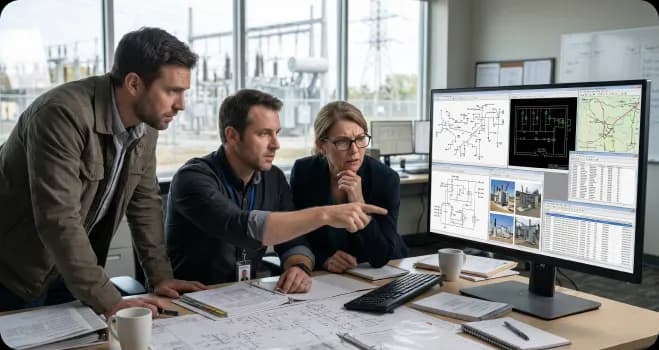
    We assess available CAD models, engineering drawings, GIS information, laser scans, photographs, and asset records.

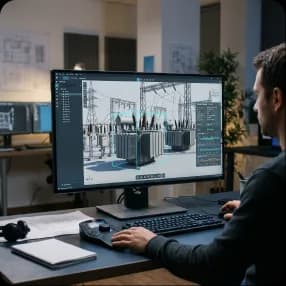
  3. Developer building a 3D model of substation transformers and structures

    Develop your 3D environment

    We create interactive facility visualization with navigation, equipment identification, and relevant information panels.

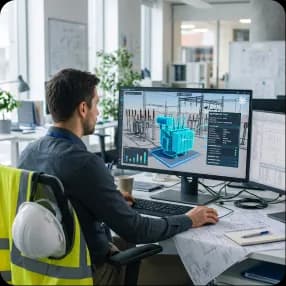
  4. Engineer in a hi-vis vest at a monitor showing a highlighted transformer with linked information panels

    Connect and validate information

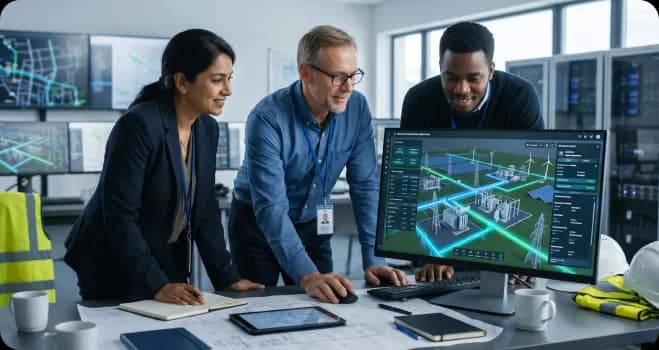
    We integrate approved data sources, verify asset references, and define how models and records will be updated.

Digital twin capabilities

Find equipment, review records, and understand your facility in 3D

Our energy digital twin solutions are developed around your equipment, existing information, and the tasks your team needs to complete.

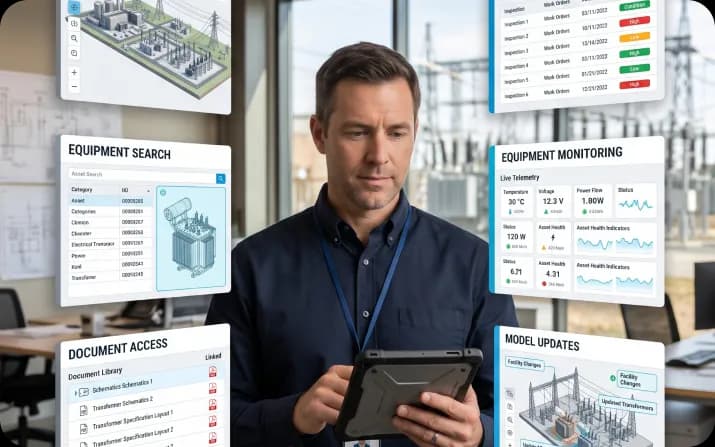
Engineer on a rugged tablet surrounded by digital twin panels for equipment search, equipment monitoring, document access and model updates
  • Interactive facility visualization

    Explore power plants, substations, renewable energy sites, and equipment from different viewpoints.

  • Equipment search and identification

    Find represented assets using equipment names, identification numbers, categories, or locations.

  • Engineering document access

    Open available technical drawings, specifications, and supporting documents from the relevant equipment.

  • Maintenance information

    Review connected inspection records, service history, and maintenance details where supported.

  • Equipment monitoring

    Display authorized equipment readings and status information when reliable data integrations are available.

  • Facility model updates

    Incorporate revised equipment models and documented infrastructure changes through a defined update process.

Development and integrations

Connect your digital twin with the systems your team already uses

Your energy facility already depends on engineering software, asset records, and operational systems.HexaCoder develops utilities digital twin solutions that connect approved information sources instead of creating another disconnected application.

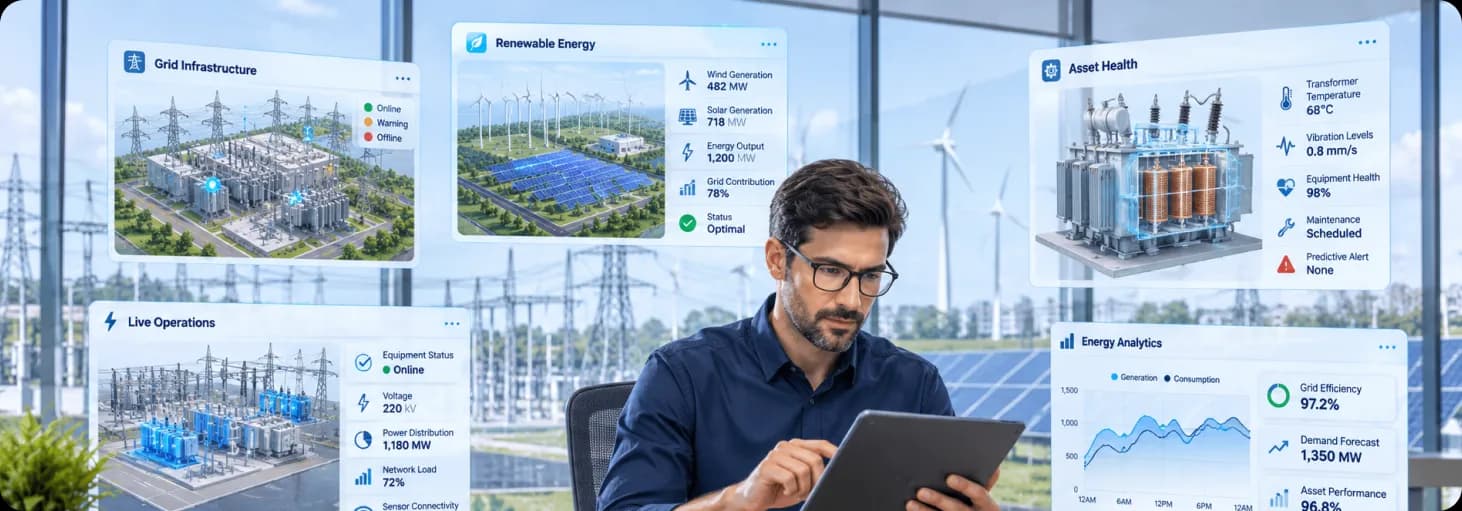
Engineer on a tablet among dashboards for grid infrastructure, renewable energy, asset health, live operations and energy analytics
  • CAD and engineering models

    Prepare existing 3D models, drawings, and engineering geometry for interactive visualization.

  • Asset management systems

    Connect supported equipment registers, asset identifiers, maintenance history, and related information.

  • GIS and infrastructure mapping

    Bring geographic information and mapped utility assets into the 3D environment.

  • Equipment monitoring systems

    Display selected operational readings when data access, reliability, and integration requirements are established.

  • Inspection and maintenance records

    Link relevant reports, equipment documentation, and service information to represented assets.

  • Secure information access

    Define appropriate permissions for sensitive facility data and different user roles.

Practical use cases

How can your team use a digital twin in daily energy operations?

A digital twin for power plants and utility infrastructure can support several activities, depending on available information and project requirements.

  • Maintenance preparation

    Review equipment locations, surrounding structures, and available maintenance records before planning site work.

  • Remote facility reviews

    Help off-site teams understand equipment arrangements without relying entirely on drawings and photographs.

  • Equipment information access

    Find specifications, inspection reports, and technical documents directly from represented assets.

  • Infrastructure modifications

    Visualize proposed equipment or layout changes alongside documented existing conditions.

  • Renewable energy site reviews

    Explore solar panel layouts, wind turbine locations, and supporting infrastructure across large sites.

Why HexaCoder

A digital twin built around your energy assets, data, and workflows

A solar farm doesn't need the same digital environment as a thermal power plant.Some projects require detailed equipment visualization. Others need geographic coverage, asset information, or connections with existing monitoring systems.We develop software around those differences.

Discuss your digital twin requirements
A 3D model alone doesn't predict equipment failures or improve power generation efficiency. Predictive maintenance, simulation, and advanced monitoring require suitable data, specialist models, and additional validation.We help define these requirements before development so the project focuses on capabilities your team can use.

FAQs

Frequently asked questions

Start growing your business