Hexacoder Technologies

Oil, gas and mining

Digital twin for oil and gas facilities and mining operations

Find equipment, understand site layouts, and access important asset information through one interactive 3D environment. HexaCoder develops custom digital twins around your facilities, existing data, and the work your teams need to do.

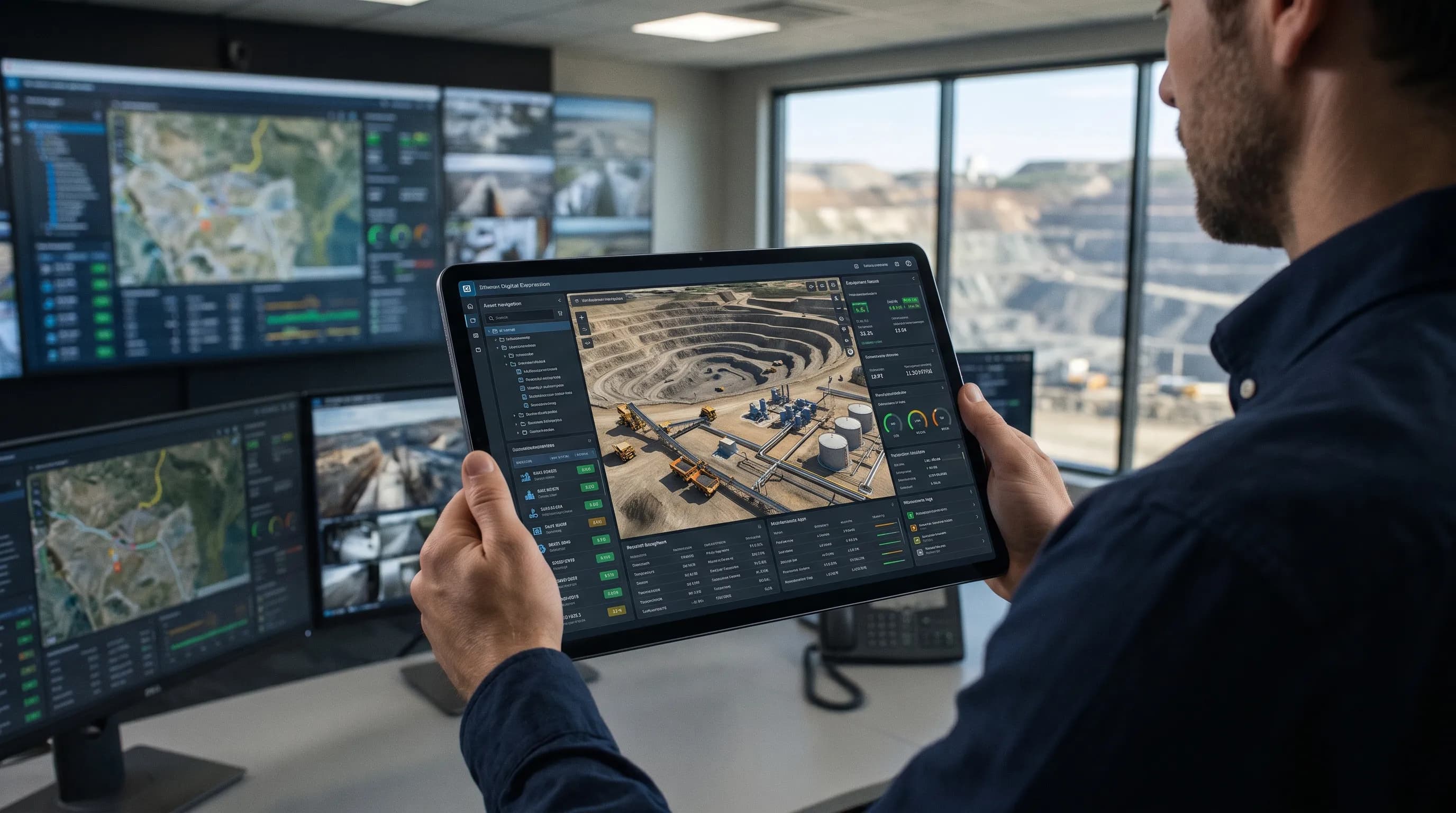
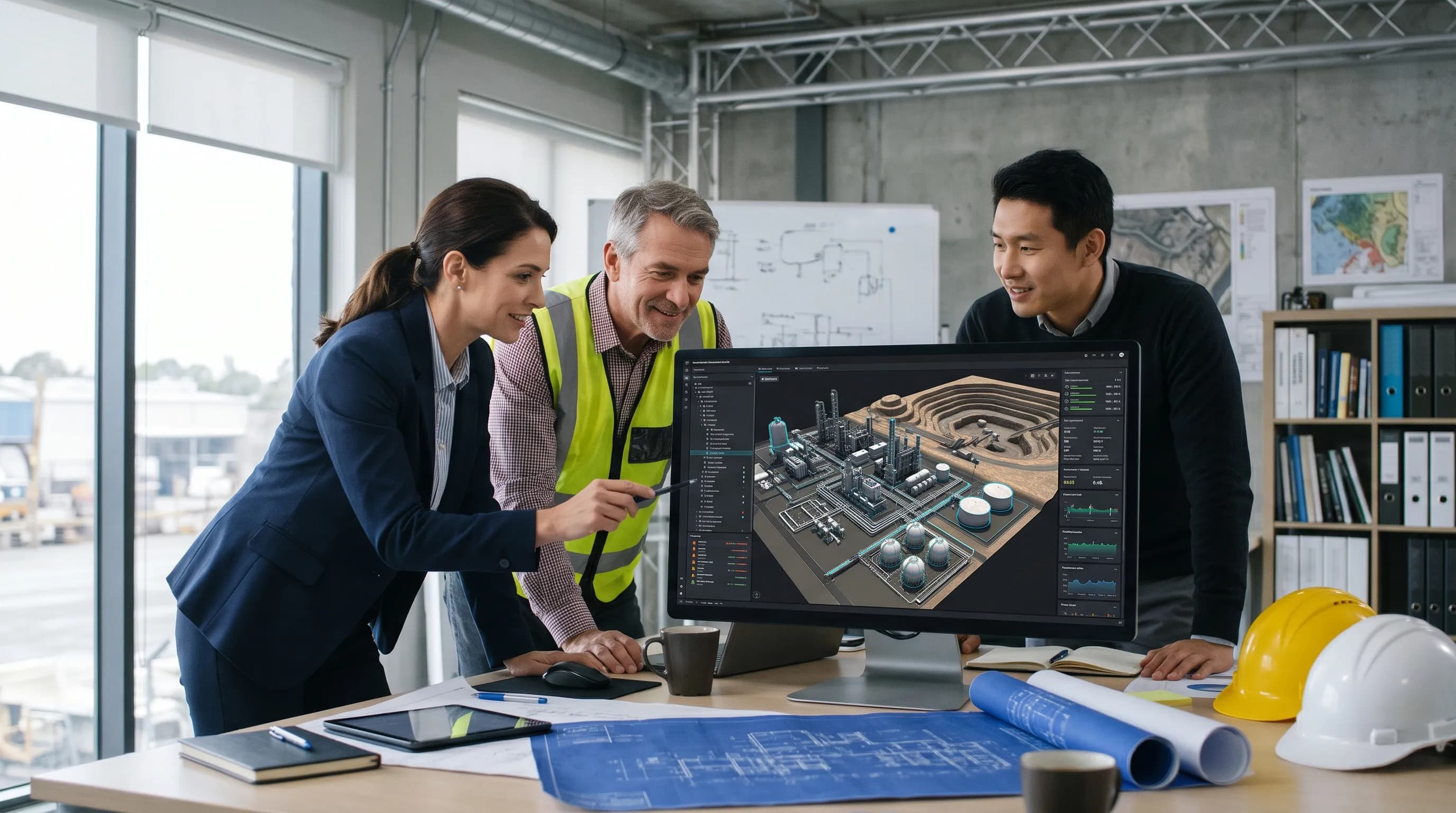
Engineer holding a tablet with a 3D digital twin of an open-pit mine and processing plant, in a control room overlooking the mine

Facilities and assets

What parts of your facility can you bring into a digital twin?

We develop digital twin environments that reflect your actual equipment and surroundings, rather than using a standard facility model.

  • Oil and gas processing facilities

    Explore processing units, storage tanks, piping, and equipment locations within a connected 3D facility view.

  • Offshore and remote assets

    Review platform layouts, access areas, and equipment arrangements using available engineering and survey information.

  • Pipelines and supporting infrastructure

    Understand where represented pipelines, structures, access routes, and related equipment sit across a site.

  • Mining sites and infrastructure

    Visualize open pits, underground areas, haul routes, conveyors, and other mapped site features.

  • Mining equipment

    Locate crushers, excavators, and other machinery, with links to available specifications and maintenance records.

The problem and solution

Finding the right equipment information shouldn't take hours

Imagine a maintenance team preparing to inspect a pump at a large processing plant. Its location appears on one drawing. The latest inspection report is stored elsewhere. A photograph shows the equipment, but not the surrounding access area.A digital twin for oil and gas assets can connect the visual location of equipment with approved records. Mining digital twin solutions can provide similar context for machinery and site infrastructure.

The problem

When information is disconnected

  • Teams search several systems for the same asset.
  • Drawings and photographs require additional explanation.
  • Remote colleagues struggle to understand equipment surroundings.
  • Proposed changes are difficult to review together.
The solution

When information is connected in 3D

  • Find represented assets within the facility model.
  • Open relevant documents from equipment locations.
  • Explore surrounding structures before planning work.
  • Discuss documented changes using a shared view.

How development works

How we build a digital twin around your existing assets and data

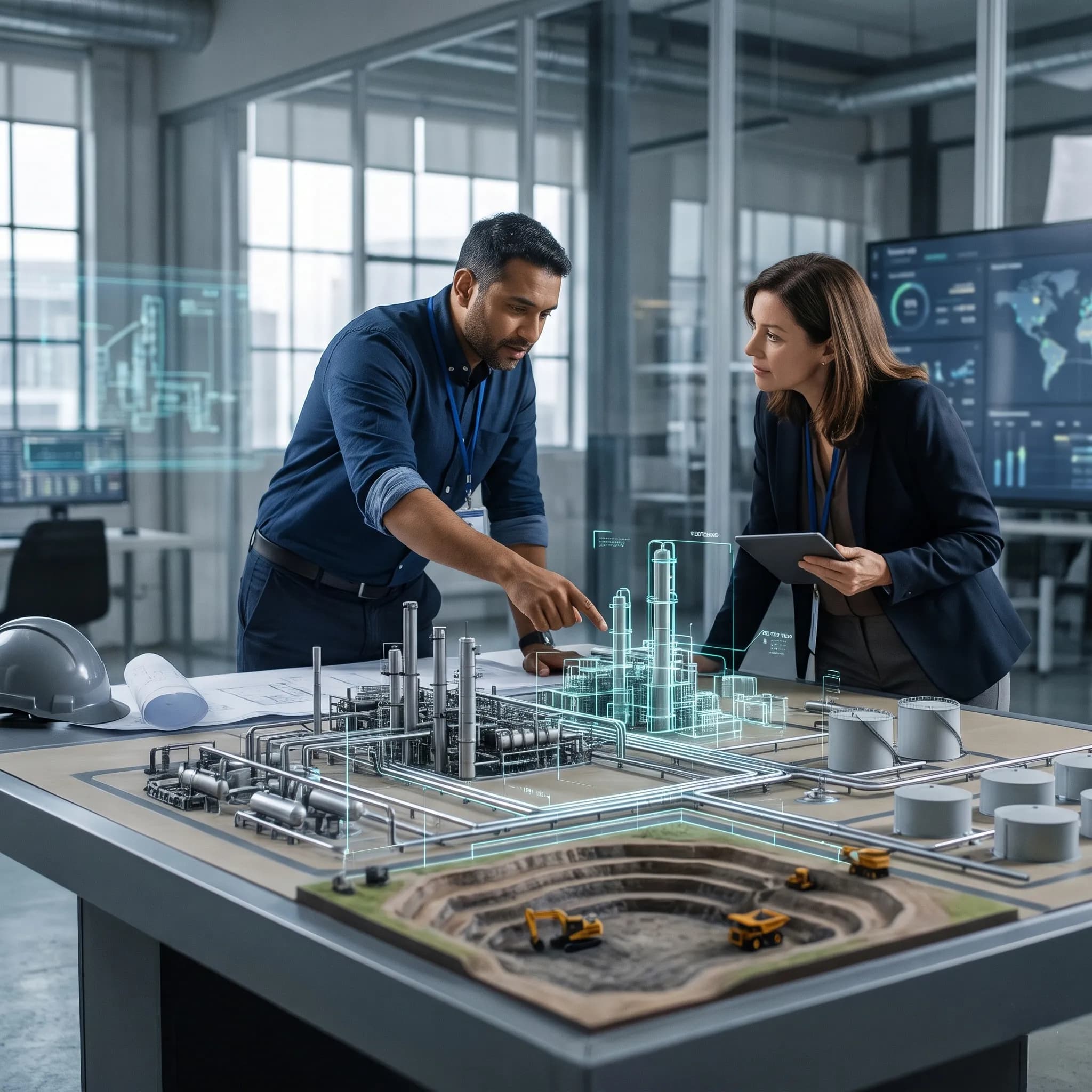
We first identify what information exists, what is missing, and what the digital twin must help your team accomplish.

  1. Two engineers reviewing a holographic 3D model of a processing plant and open-pit mine on a table

    Understand your use case

    Define the facility, priority assets, users, and decisions the digital twin should support.

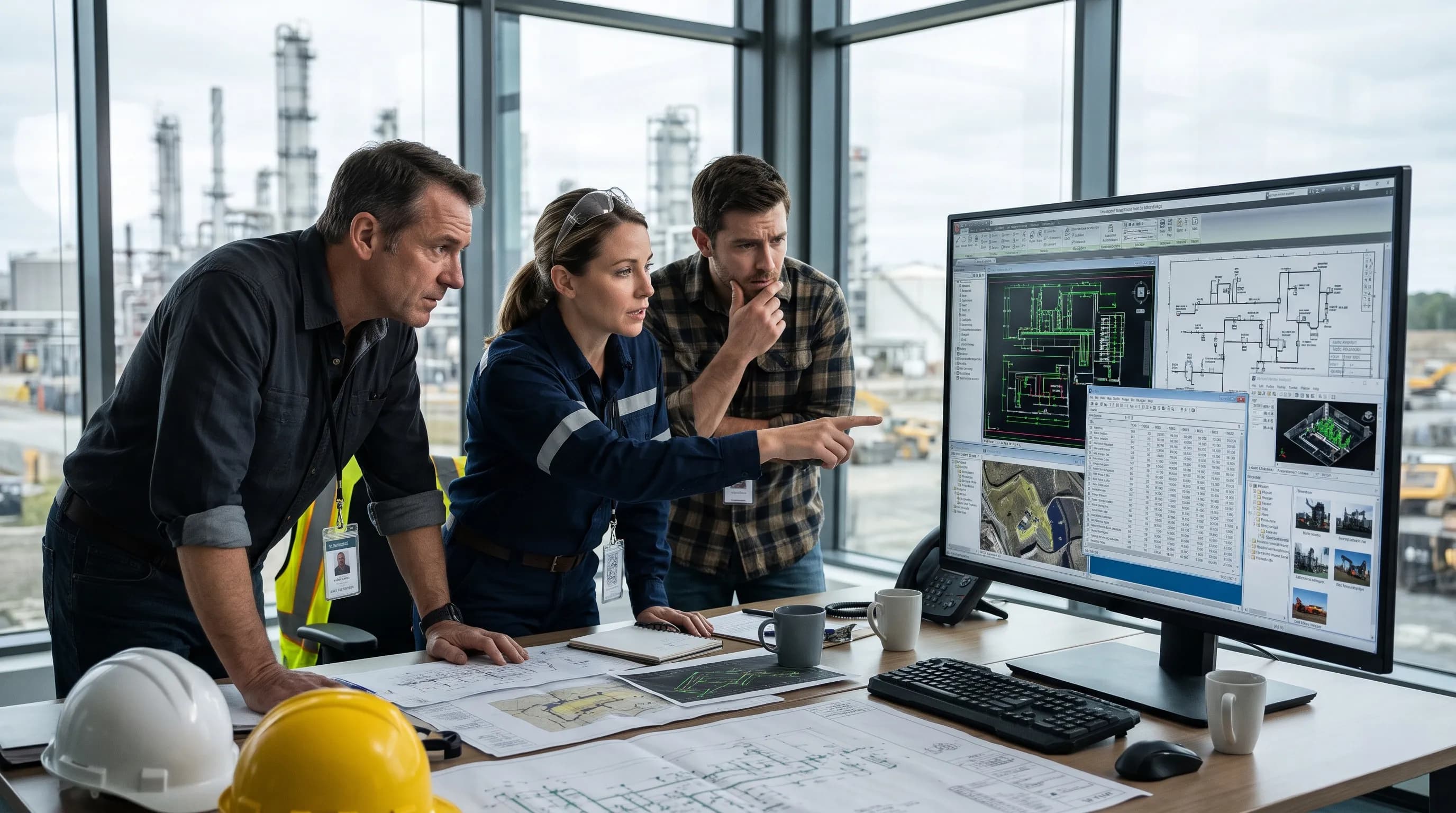
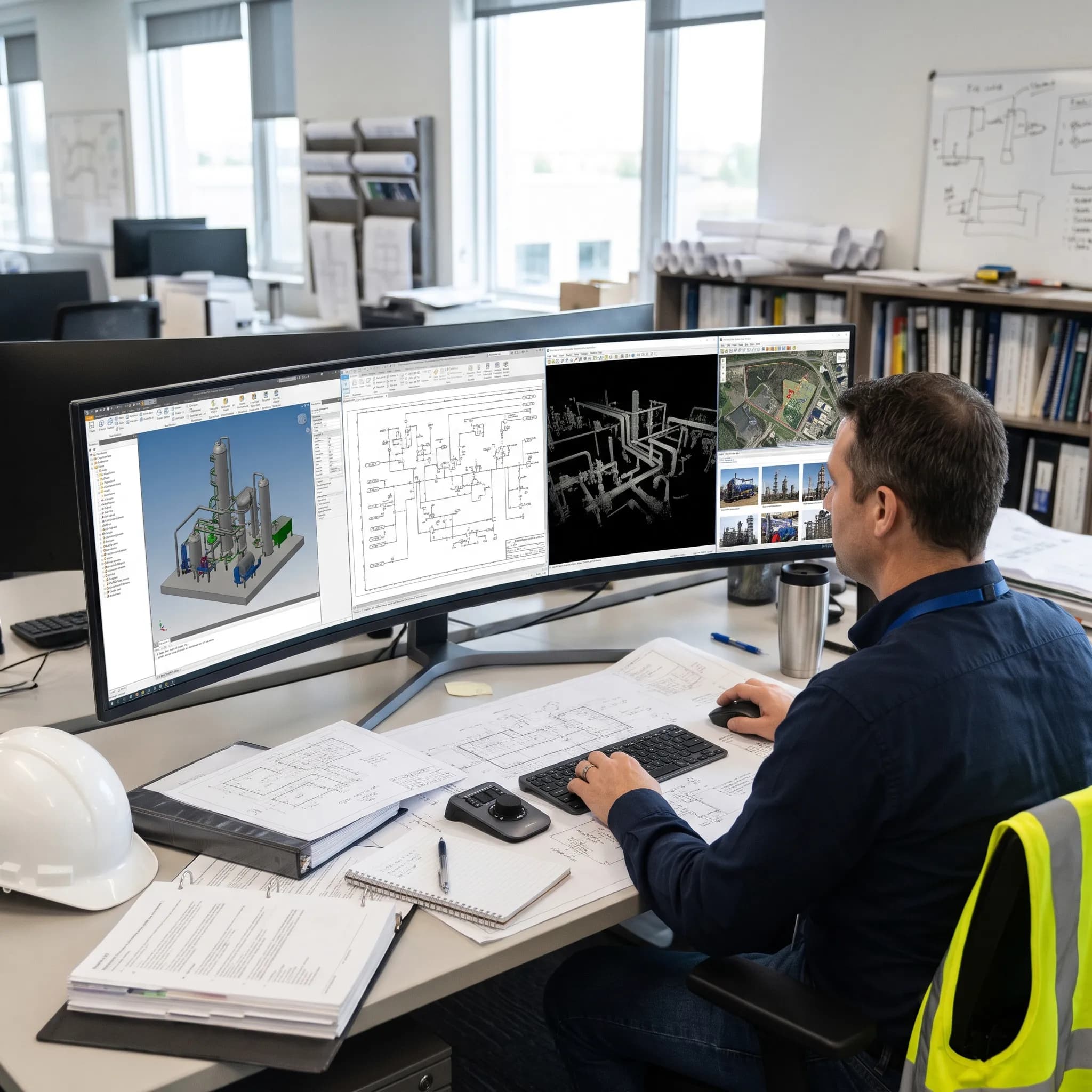
  2. Engineer at a wide monitor reviewing CAD drawings, a 3D model and site photographs, beside stacks of documents

    Review available data

    Assess CAD files, engineering drawings, scans, photographs, GIS information, and equipment registers.

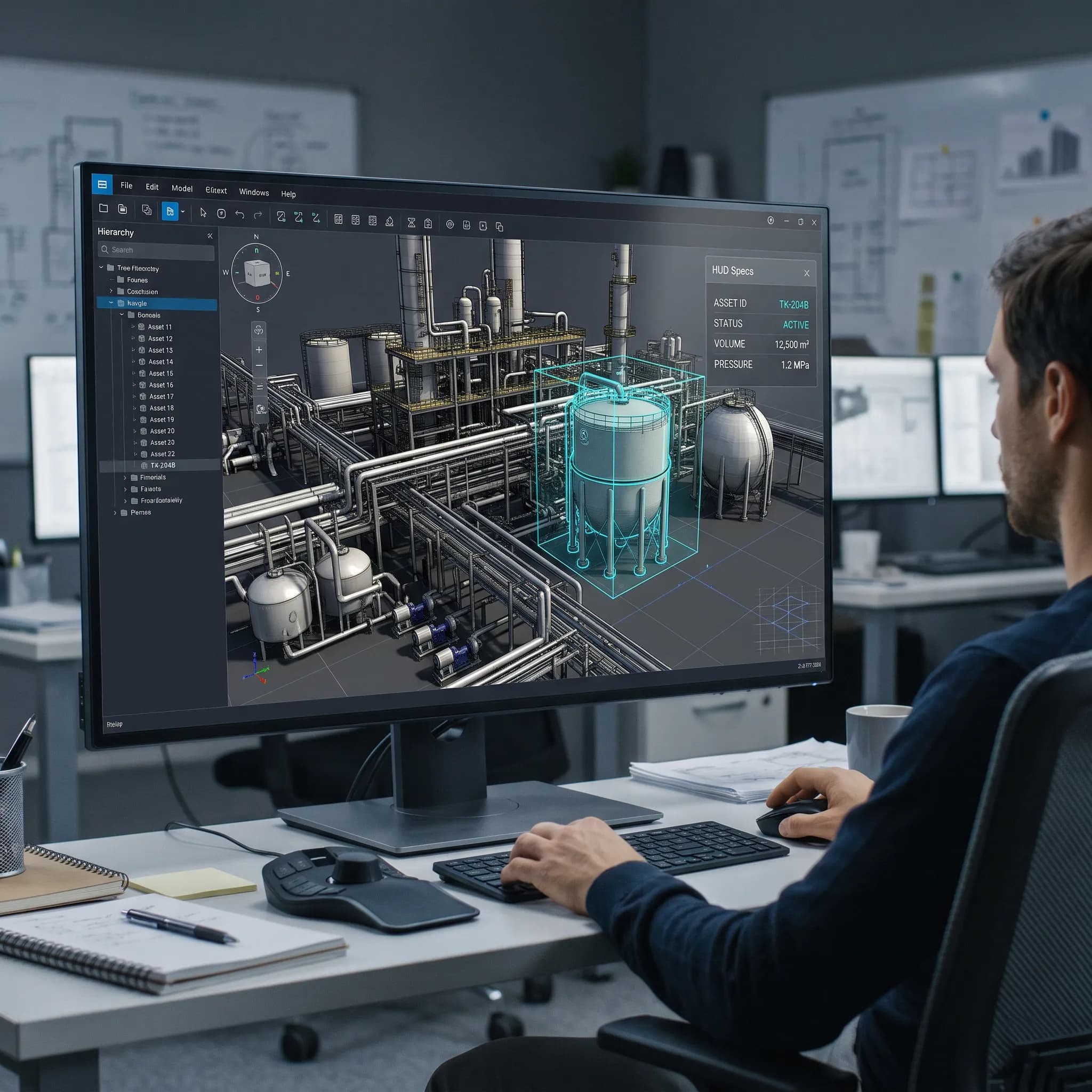
  3. Developer building a 3D model of plant piping and tanks, with one vessel highlighted

    Develop the 3D environment

    Build navigation, asset identification, information panels, and the level of detail your project requires.

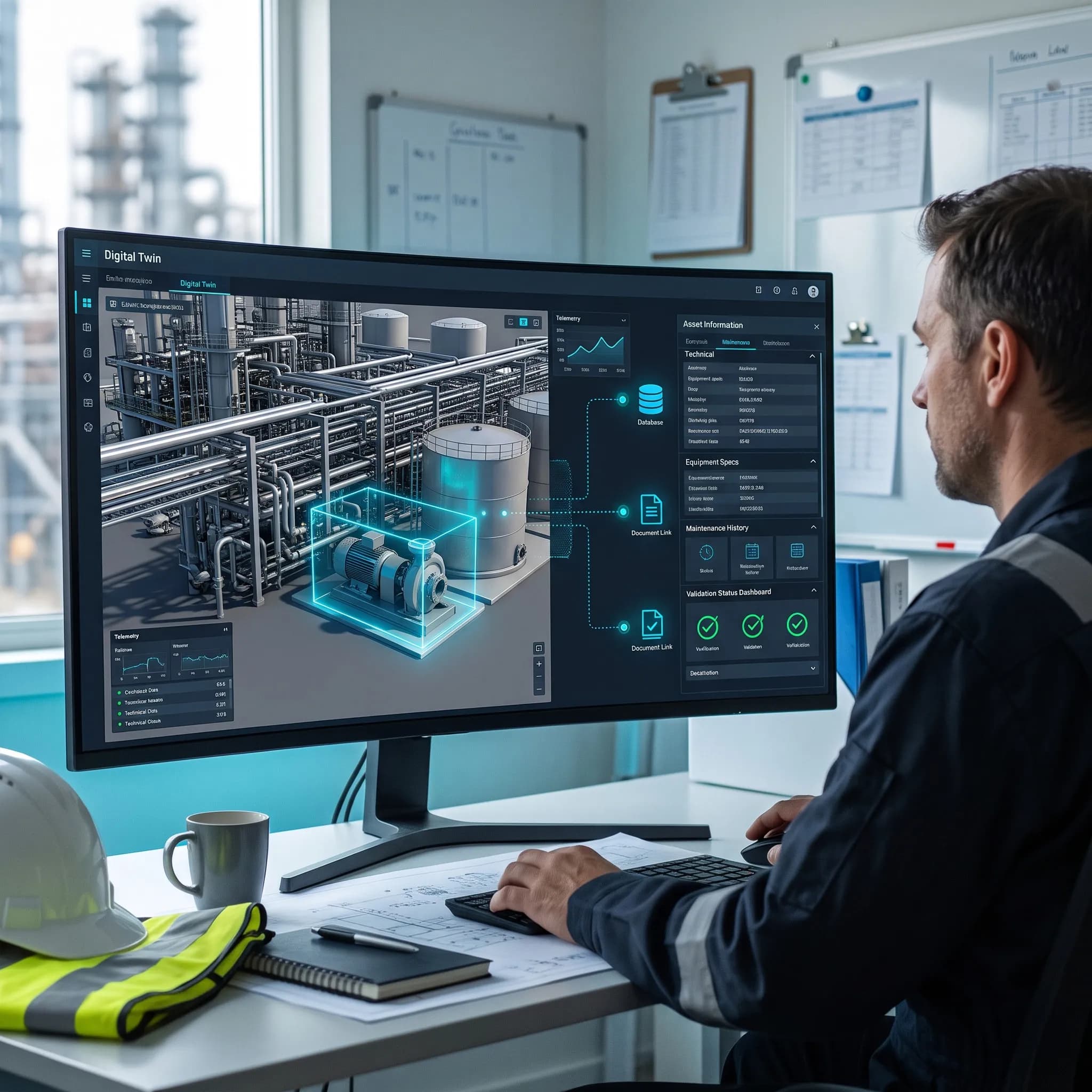
  4. Engineer at a monitor showing a 3D plant model with a highlighted pump and linked information panels

    Connect and validate information

    Integrate approved sources, check asset references, and agree on how records and models will be updated.

Digital twin capabilities

Find equipment, check records, and review site conditions in 3D

Our oil and gas digital twin solutions and mining digital twin development services are scoped around practical requirements.

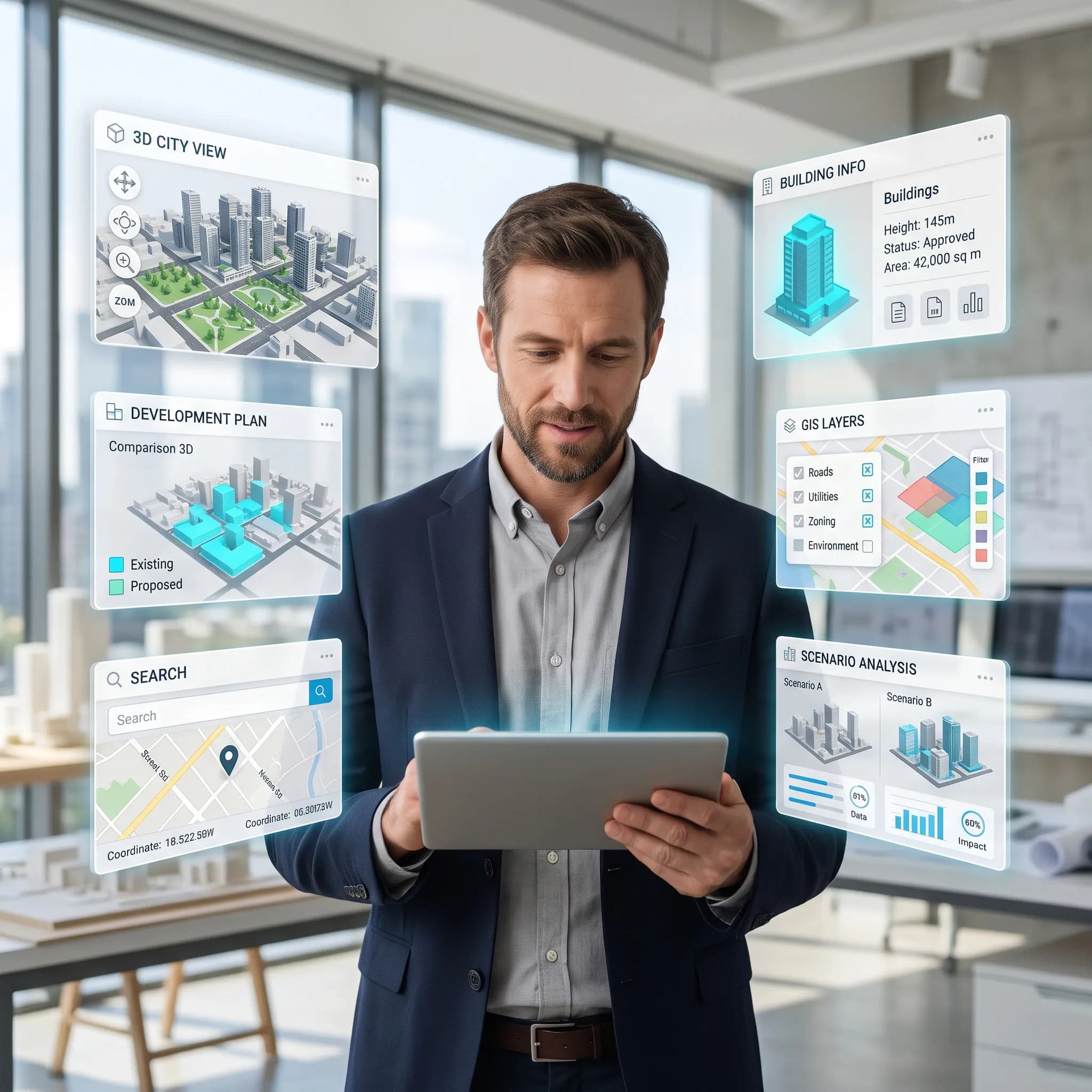
Engineer on a tablet surrounded by digital twin panels for a 3D site view, search, building details, map layers, a development plan and scenario analysis
  • Interactive site navigation

    Move through represented buildings, equipment areas, and site layouts from different viewpoints.

  • Asset search and identification

    Find equipment using names, tags, categories, or other available identifiers.

  • Linked engineering documents

    Open approved drawings, specifications, and supporting files directly from represented assets.

  • Maintenance information

    Review connected inspection history, work records, or service details where the source systems permit.

  • Equipment monitoring views

    Display authorized measurements or status information when reliable data connections are included in the project.

  • Updated facility models

    Incorporate revised geometry and documented site changes through a defined maintenance process.

Development and integrations

Connect your digital twin with the systems your team already uses

We build project-specific connections so the digital twin can present relevant information without becoming another isolated database.

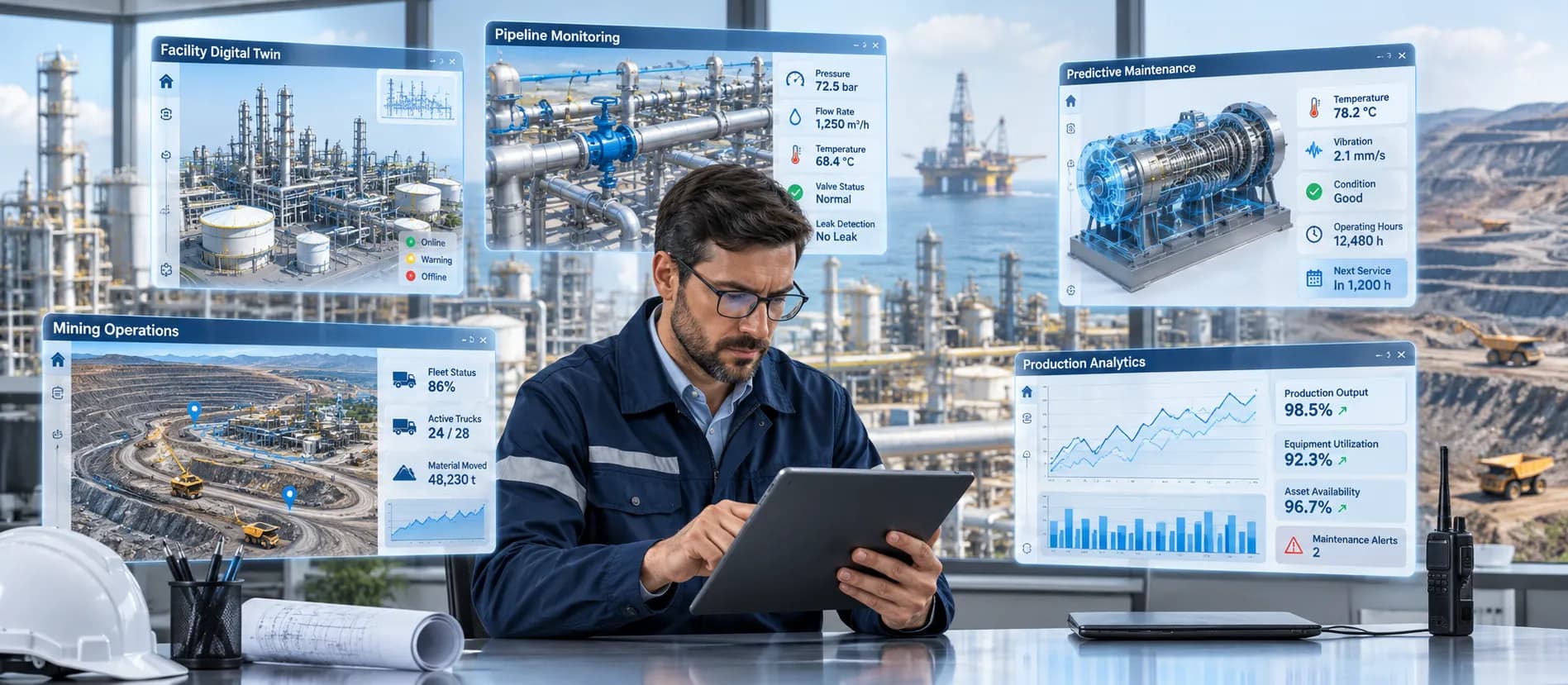
Engineer on a tablet among dashboards for a facility digital twin, pipeline monitoring, predictive maintenance, mining operations and production analytics
  • CAD, scans, and 3D models

    Prepare existing engineering geometry and reality capture data for interactive viewing.

  • Asset management systems

    Connect supported asset identifiers, equipment details, and maintenance records.

  • GIS and site mapping

    Use geographic information to place represented infrastructure in its proper location.

  • Operational data

    Show selected readings when data access, quality, and refresh requirements have been established.

  • Secure information access

    Set appropriate permissions for sensitive facility records and user roles.

Practical use cases

How can your team use a digital twin in daily operations?

Digital twin technology for mining operations and oil and gas facilities can support different activities.

  • Maintenance preparation

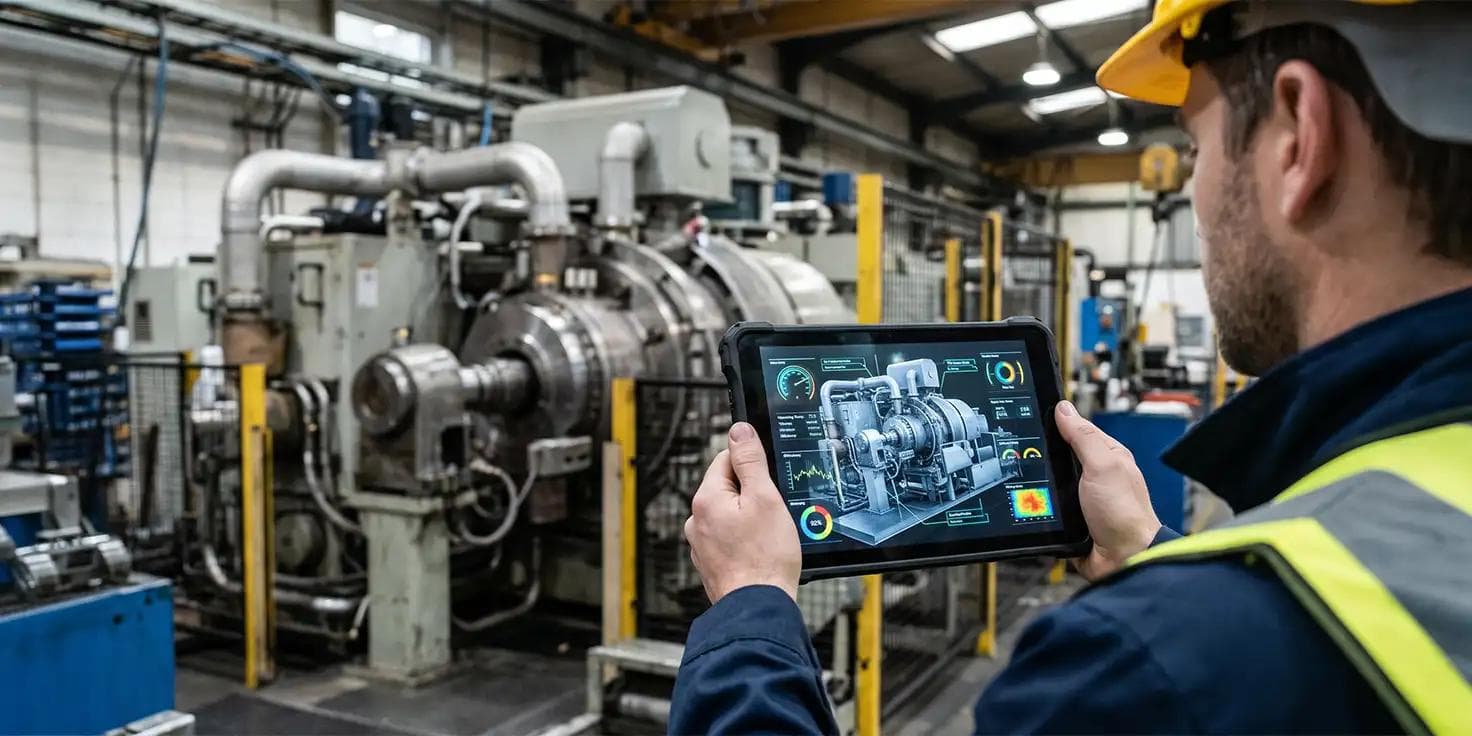
    Review equipment locations, access surroundings, and available service documents before site work.

  • Remote site reviews

    Help off-site colleagues understand represented areas without relying only on photographs.

  • Equipment information access

    Find relevant records from an asset's position in the model.

  • Facility modifications

    Present proposed layout changes against documented existing conditions.

  • Site familiarization

    Help team members learn equipment locations and facility arrangements through guided exploration.

Why HexaCoder

A digital twin built around your facility, data, and workflows

We develop software around your asset types, technical environment, and priorities instead of asking you to adopt a fixed experience.

Discuss your digital twin project
A digital twin is not automatically a predictive maintenance system. Forecasting, simulation, and live monitoring require suitable data, specialist models, and additional validation. We define these requirements clearly instead of promising capabilities that the available information cannot support.Clear requirements also make project estimates and delivery discussions more useful.

FAQs

Frequently asked questions

Start growing your business